SSH · Mosh · SFTP · for Android
BAUD
A free terminal for the servers you already run. No account. No cloud. No tracking.
Free · Android 8.0 and later
00 accounts/00 trackers/00 ads
01 · Connect
Stay connected
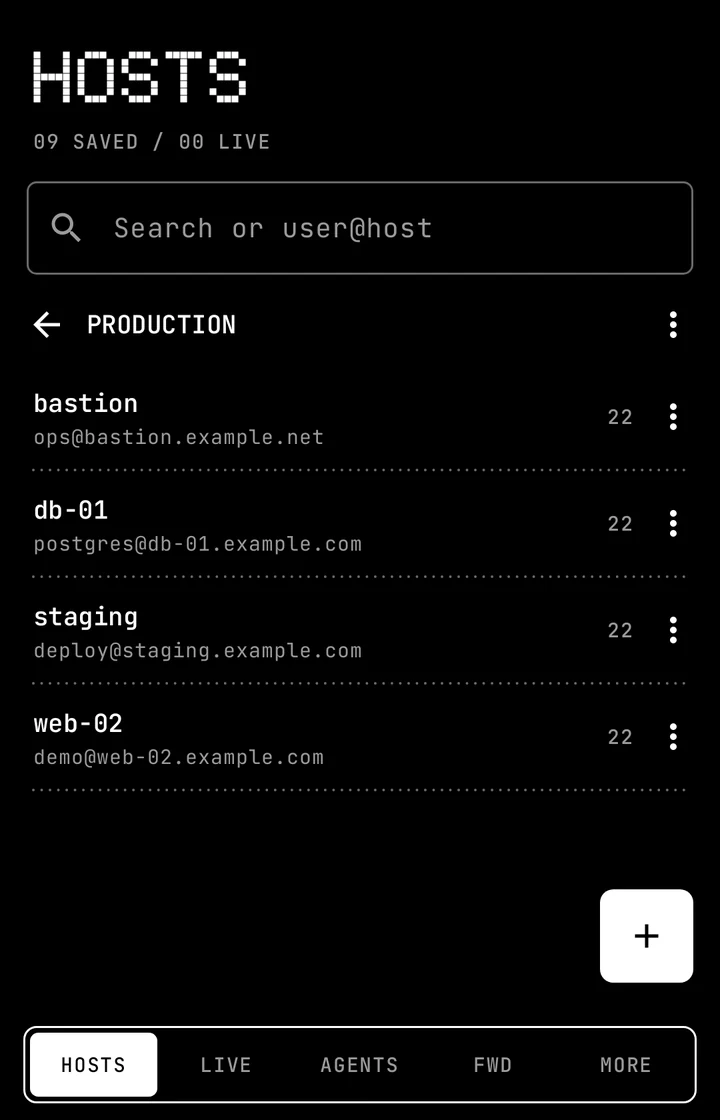
SSH for everything, and Mosh for the train. A Mosh session survives a change of network and a phone that went to sleep, and picks up where it stopped.
- Sign in with a password, a key or a one-time code
- Jump hosts, SOCKS5 and HTTP proxies, and SSH agent forwarding
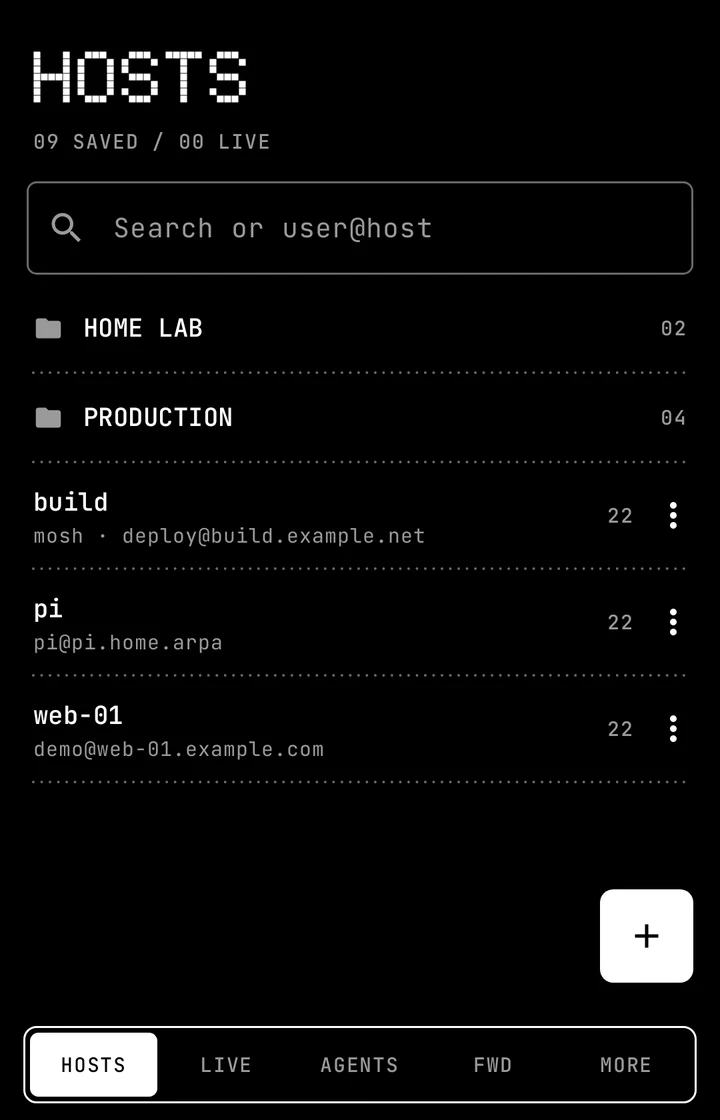
- Hosts in groups and tags, with search and quick connect:
user@host:port - Finds SSH servers on your local network
- Host keys are checked on every connection, with a warning if one changes
- Telnet, for older equipment
02 · Work
A real terminal
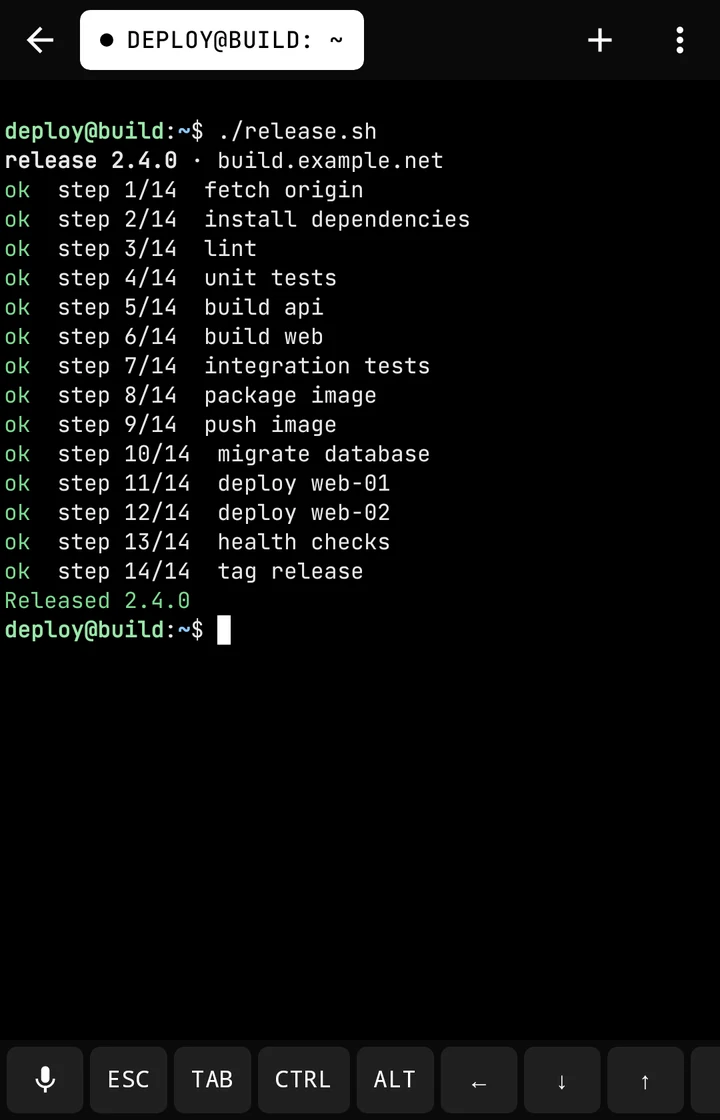
A full xterm-256color terminal with tabs, scrollback, pinch zoom, selection, and copy and paste. Sessions and tunnels stay connected while the app is in the background.
- An extra row of keys that you can edit, with Ctrl and Alt that latch
- Full support for a hardware keyboard
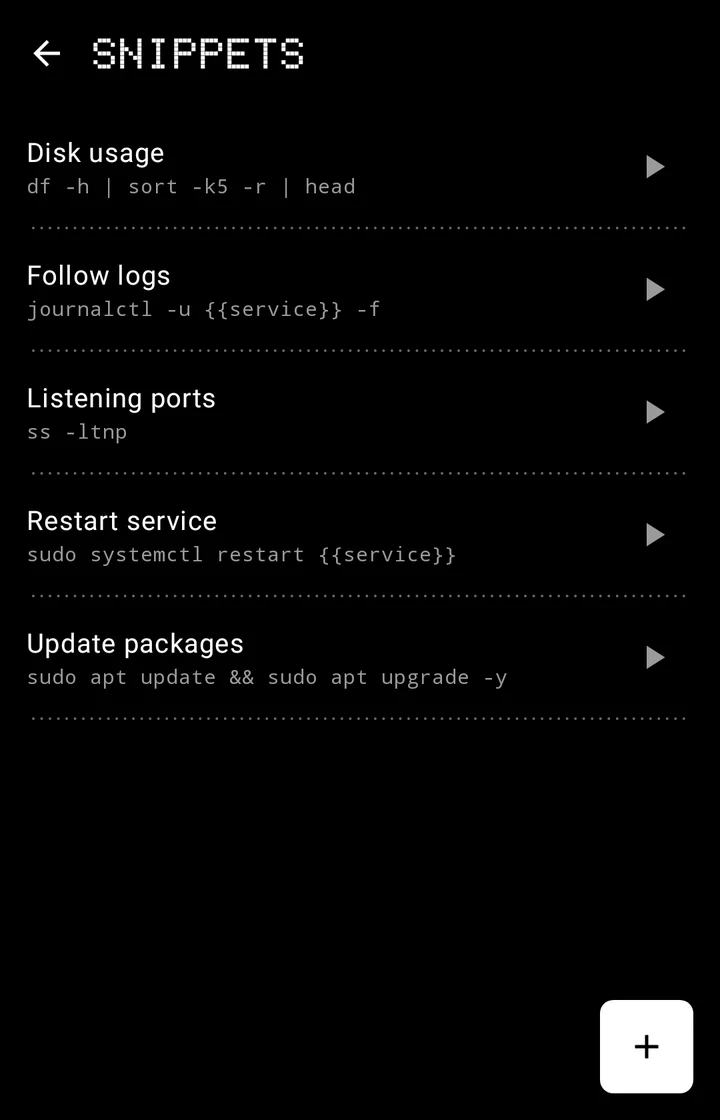
- Snippets with
{{variables}}, run in one terminal or on several hosts at once - Command suggestions from each host's history. Hidden input such as passwords is never stored
- A tmux and Zellij session picker, with automatic reconnect
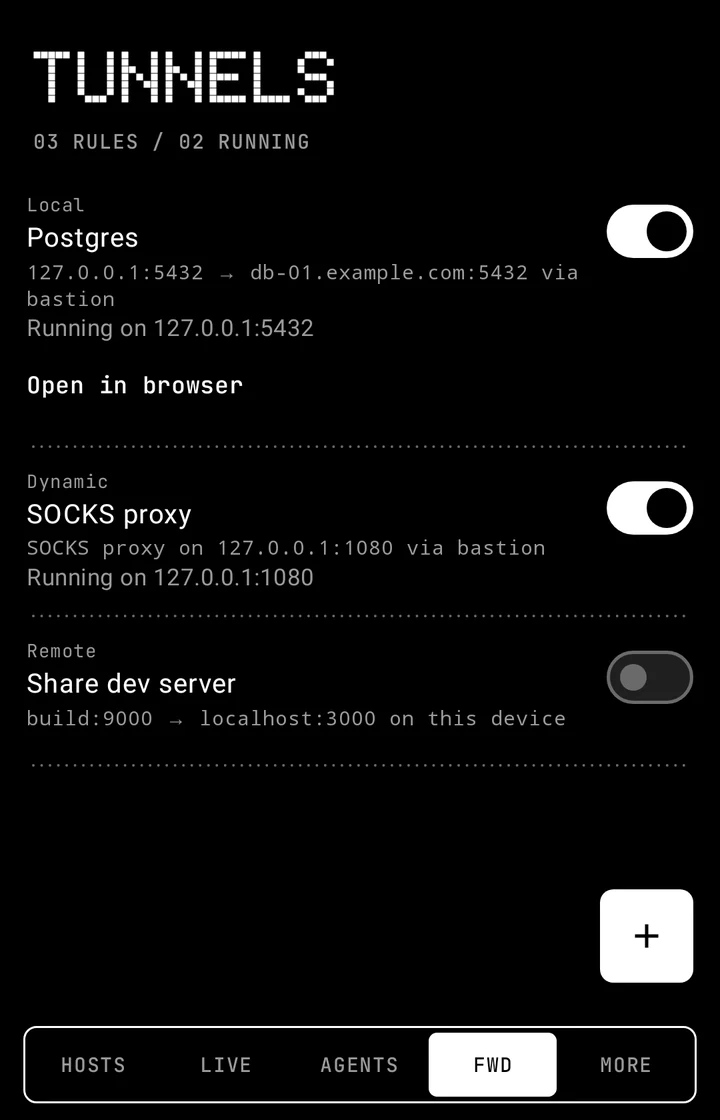
- Local, remote and dynamic (SOCKS) port forwarding that keeps running in the background
- 11 colour themes, a light or dark app, and a home-screen widget for your hosts
03 · Files and keys
The rest of the kit
Move files, manage your keys, and keep your credentials safe on the phone.
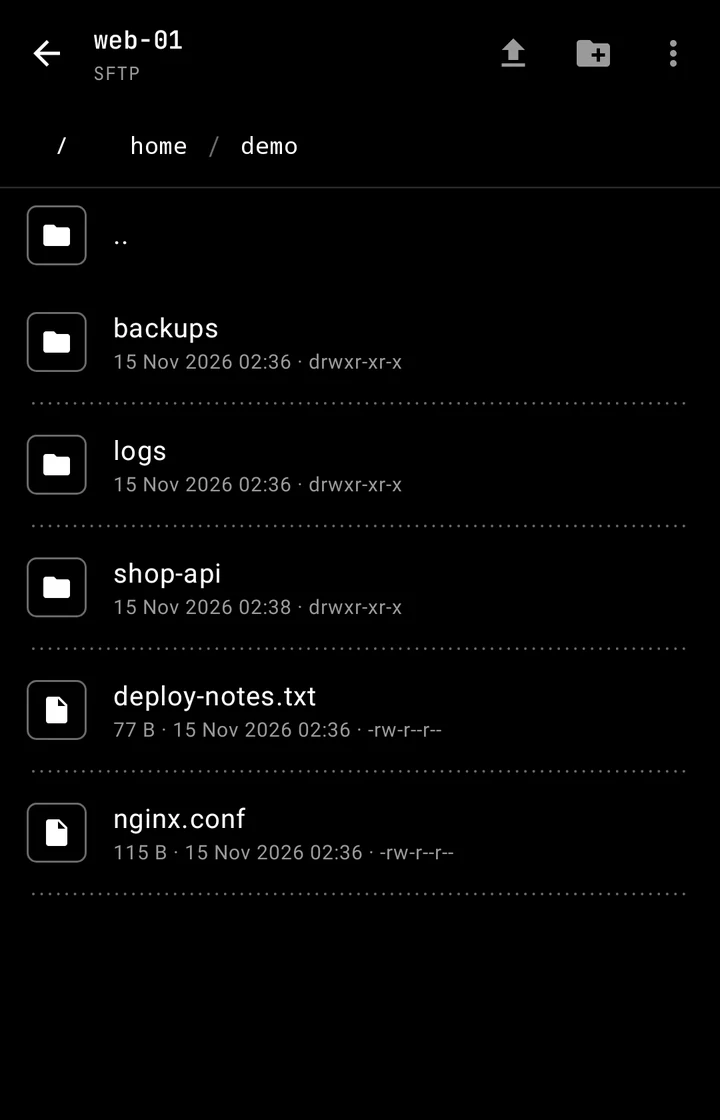
- SFTP browser: upload, download, rename, delete, new folder and permissions, with a built-in text editor for quick changes
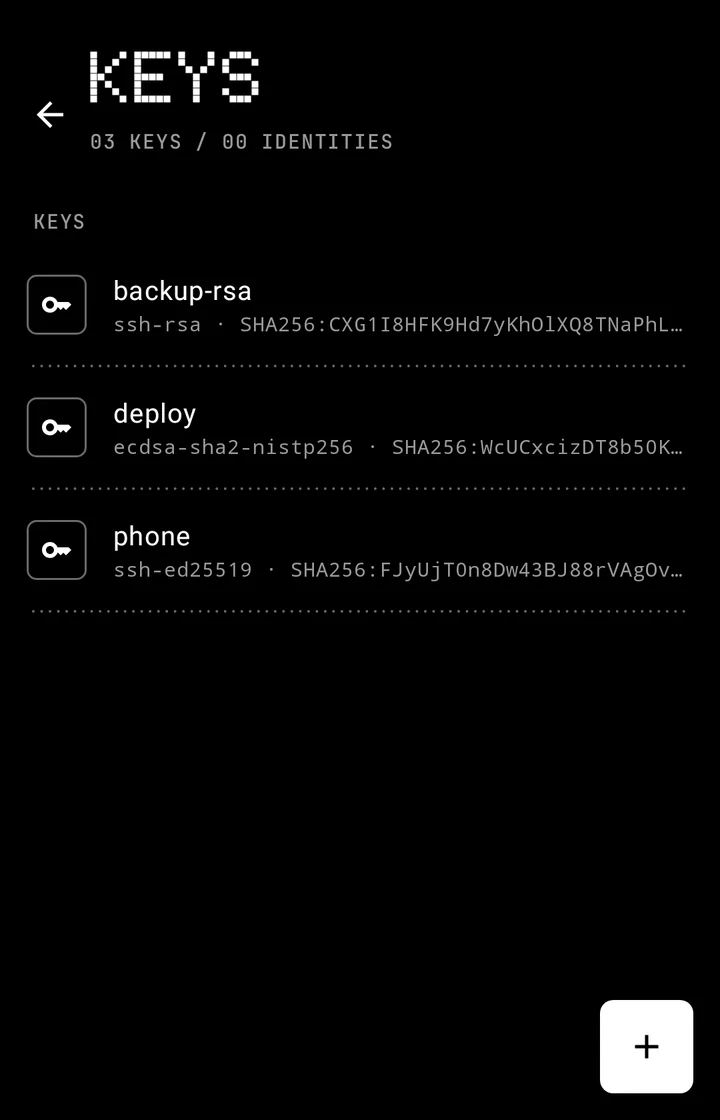
- Generate Ed25519, ECDSA and RSA keys on the phone, or import OpenSSH, PEM, PKCS#8 and PuTTY keys
- SSH certificates
- Saved passwords and private keys are encrypted with a key held in the Android Keystore
- Optional app lock, and an optional fingerprint, face or screen-lock check before a key signs you in
- An encrypted backup file, protected by your passphrase, for moving to another phone
- Optional sync of hosts, keys and snippets between your devices, through one of your own servers
04 · Coding agents
Mind the agents
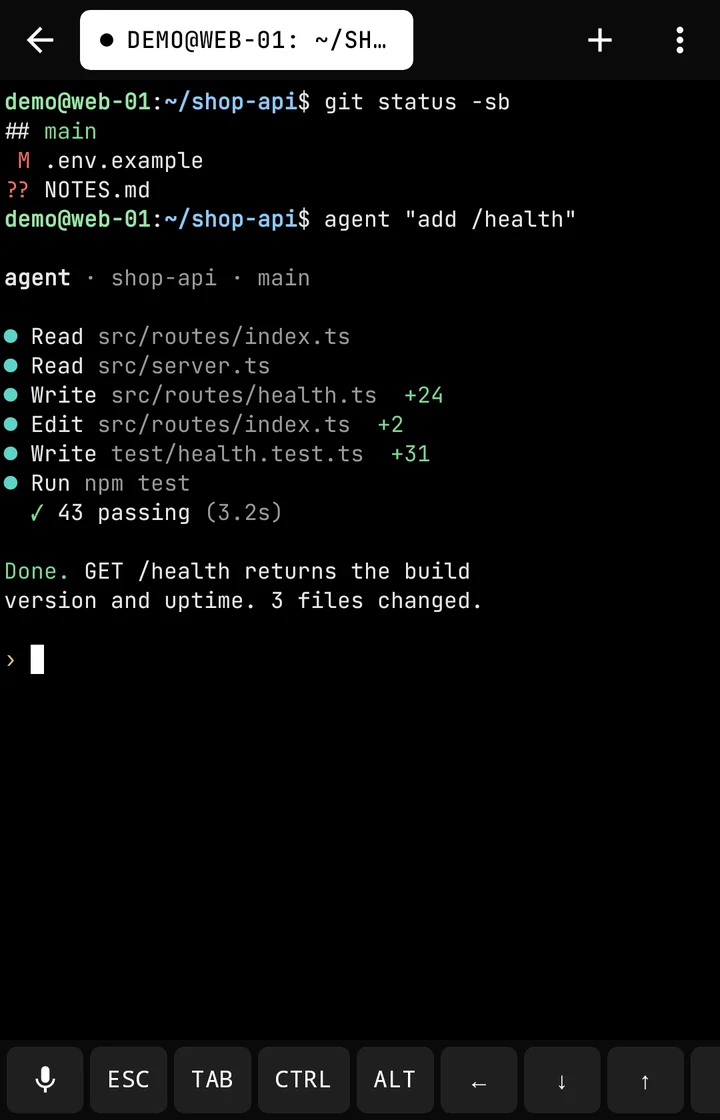
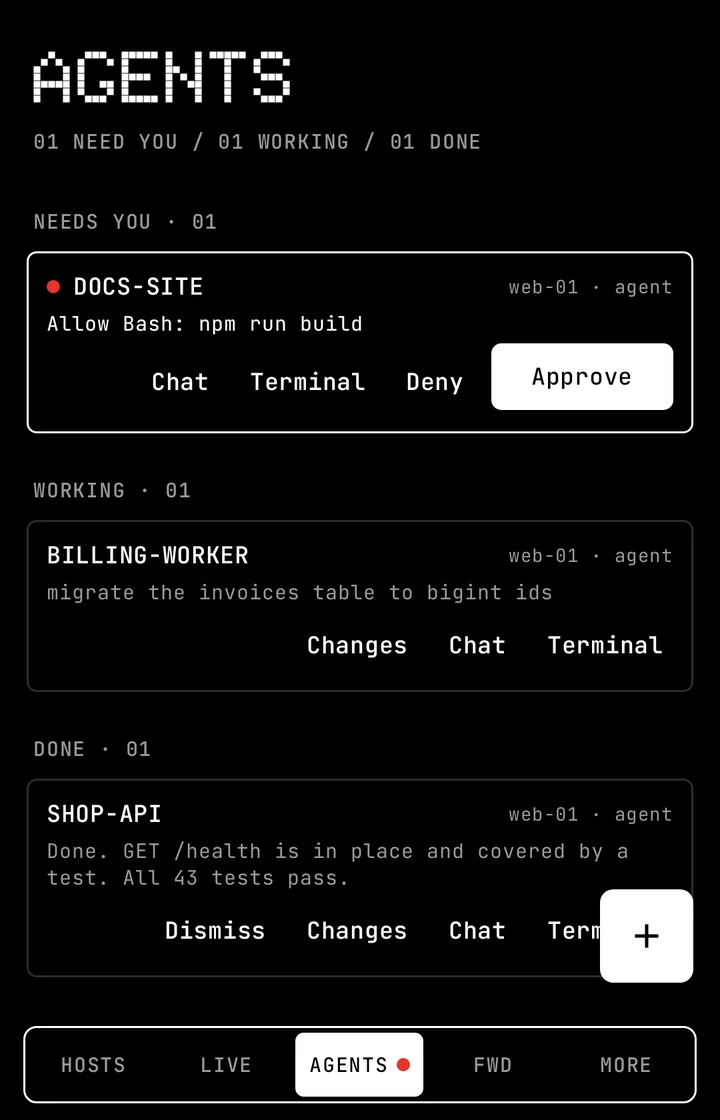
Start a coding agent on your server, put the phone in your pocket, and hear about it when it needs you.
- Needs you
- Working
- Done
- An optional hook for Claude Code, or for any script, shows each session as Needs you, Working or Done
- Approve or deny a permission request straight from the notification
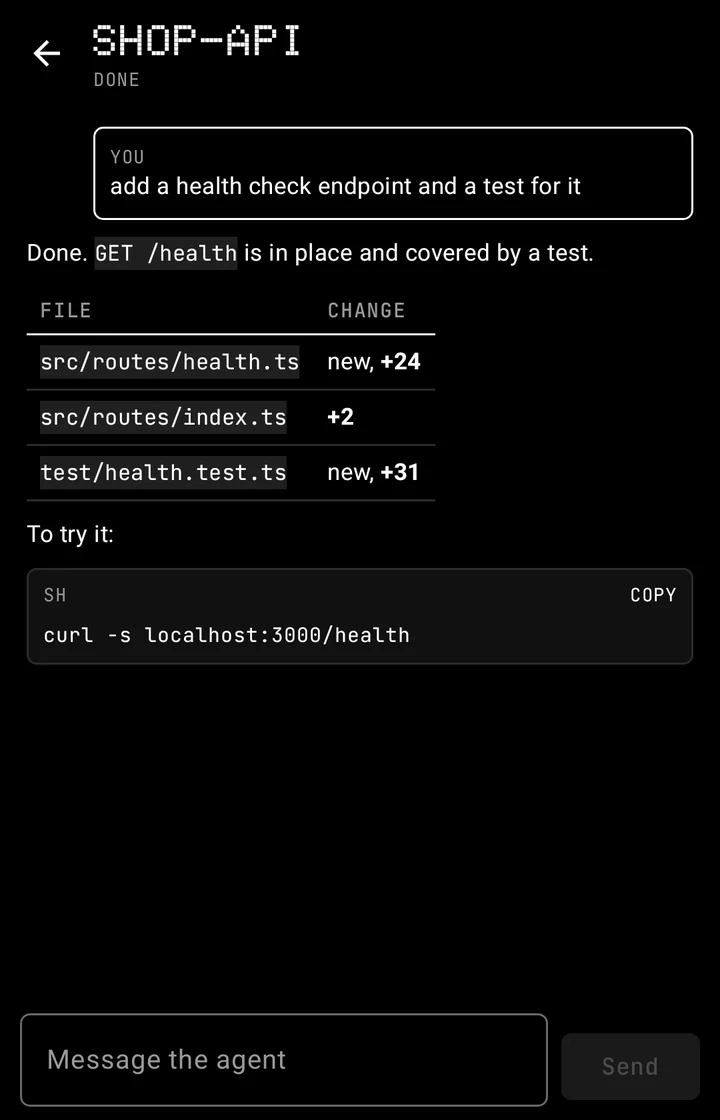
- A live chat view of the conversation, with your replies sent to the agent's tmux session
- See uncommitted git changes, attach a file or photo over SFTP, or dictate with your voice
- No service of ours in the middle: updates reach your phone over your own SSH connection
- Optional command help from an AI endpoint that you set up yourself. It is off until you do
05 · Film
52 seconds
From starting an agent to answering it from your pocket, then the rest of the app. Best with sound on.
Made from the app's own screens
06 · Privacy
Private by design
Baud talks only to the servers you add. There is nothing of ours in the middle, so there is nothing for us to collect.
Accounts or sign-ups
Analytics or trackers
Adverts or subscriptions
Cloud sync or servers of ours
Your hosts, keys and settings stay on your phone. Android's cloud backup is switched off for the app, so your credentials are not copied to it. To move to a new phone, you export an encrypted file yourself, or sync through one of your own servers: the copy kept there is encrypted with your passphrase, and no server of ours is involved.
Read the privacy policy. It is short and in plain English.